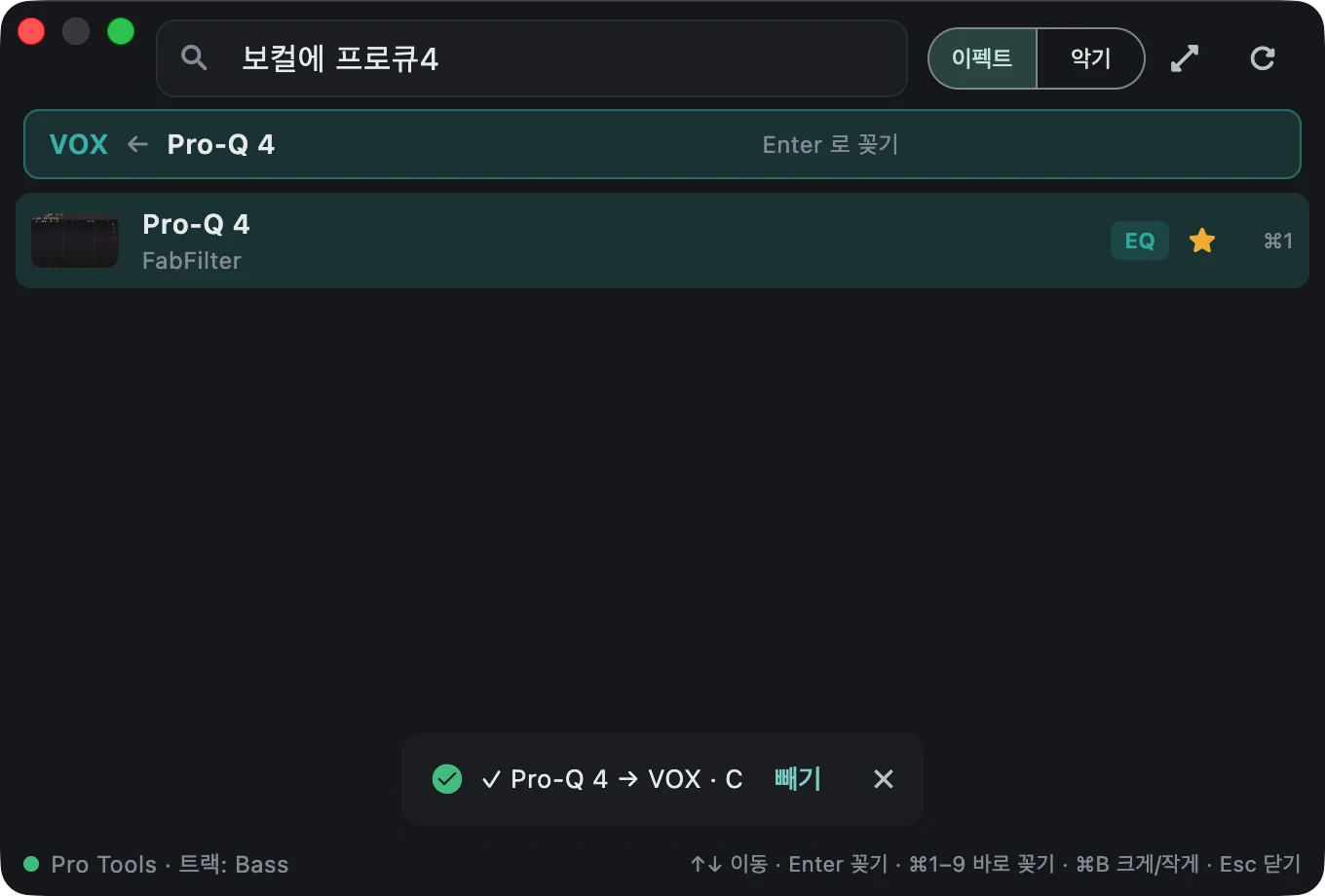
Just type it
Type a track and a plug-in, press Enter, and it lands on that track. Screenshots shown in Korean.
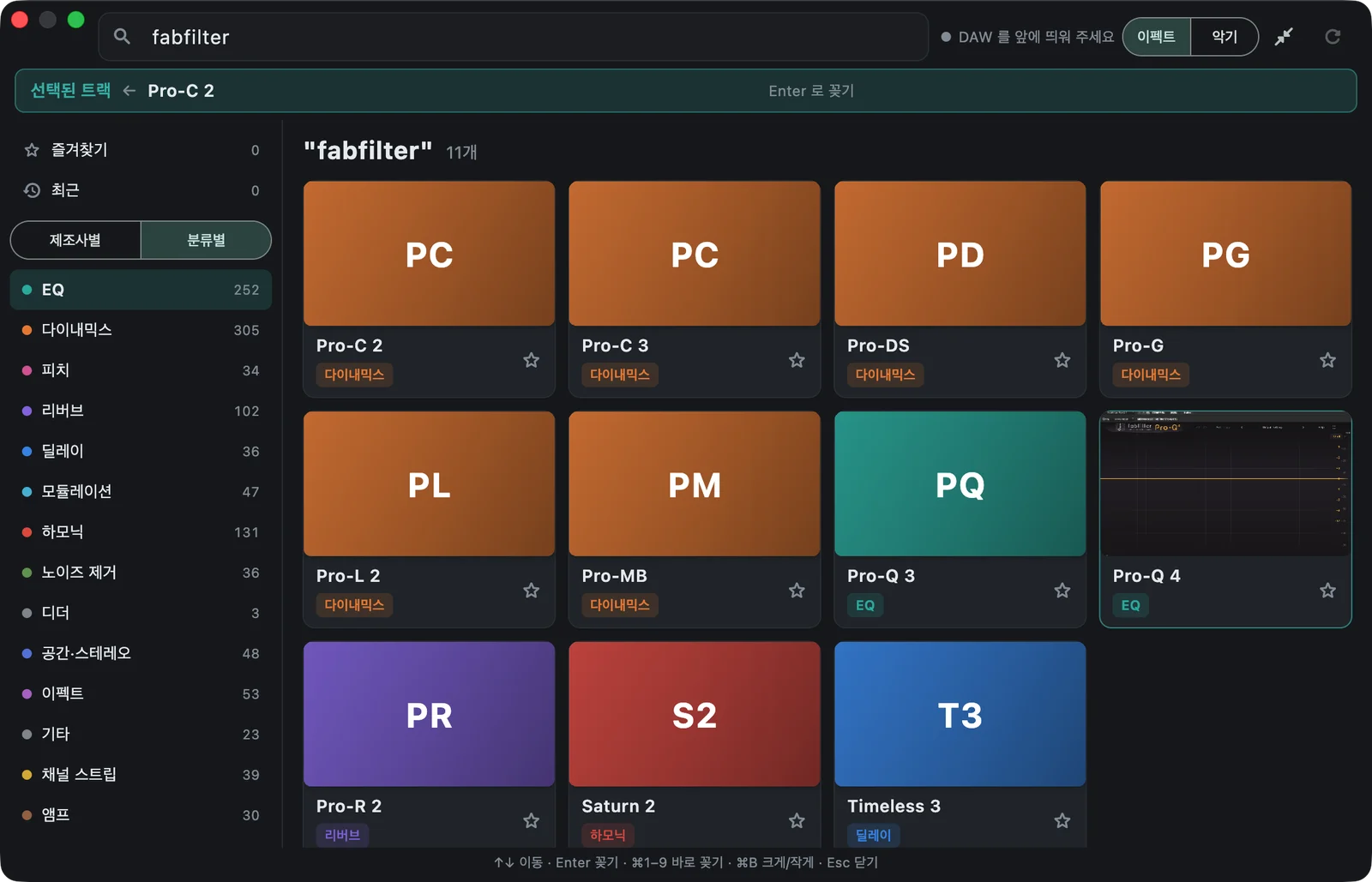
Choose by picture
See your plug-ins as cards and find them by name or type. Pictures come from your own Mac: PlugSpot captures each plug-in's window on insert (always in Pro Tools, REAPER and Live, where Live comes forward for a moment; in Logic when its plug-in window opens on insertion). In Pro Tools and REAPER you can also capture them all at once from Settings. It needs Screen Recording for that. Without it, cards show initials.
Try the 14-day demo
Every feature, no account needed.
Download for MacBuy $49₩69,000 in Korea, tax included
Features
- Find and insert: it goes in the next free slot on the selected track
- Favorite chains: apply a set of plug-ins at once
- Pro Tools editing: Strip Silence, fades and grid edits in order
- Pro Tools session cleanup: track names, order, colors, groups and folders, with a preview and undo. Set your own rules in a table
- Session cleanup sorts tracks by name. A default name such as Audio 1 says nothing about the track's role
When the trial ends
- Inserting, chains, editing and cleanup lock
- Search, undo and removing what you inserted keep working
- After you buy, use it on 2 computers
- Yours for life with a year of updates. Renew for later updates if you like; it never locks if you don't
Technical specifications
- macOS 14 or later
- Pro Tools, Logic Pro, REAPER, Ableton Live (in Live, pick PlugSpot once as a Control Surface under Settings > Link, Tempo & MIDI)
- Plug-in formats follow each DAW: AAX in Pro Tools, AU in Logic Pro, VST, VST3, CLAP and AU in REAPER (when a plug-in comes in several formats, the VST3 goes in first), and VST3, AU and VST in Ableton Live (in that order; turn the format on under Live's Plug-Ins settings first). PlugSpot inserts the plug-ins your DAW has already scanned
- Editing and session cleanup are for Pro Tools only
- Needs the Accessibility permission for Pro Tools and Logic (not if you only use REAPER or Live). It presses menus in other apps, which is why it is not on the App Store